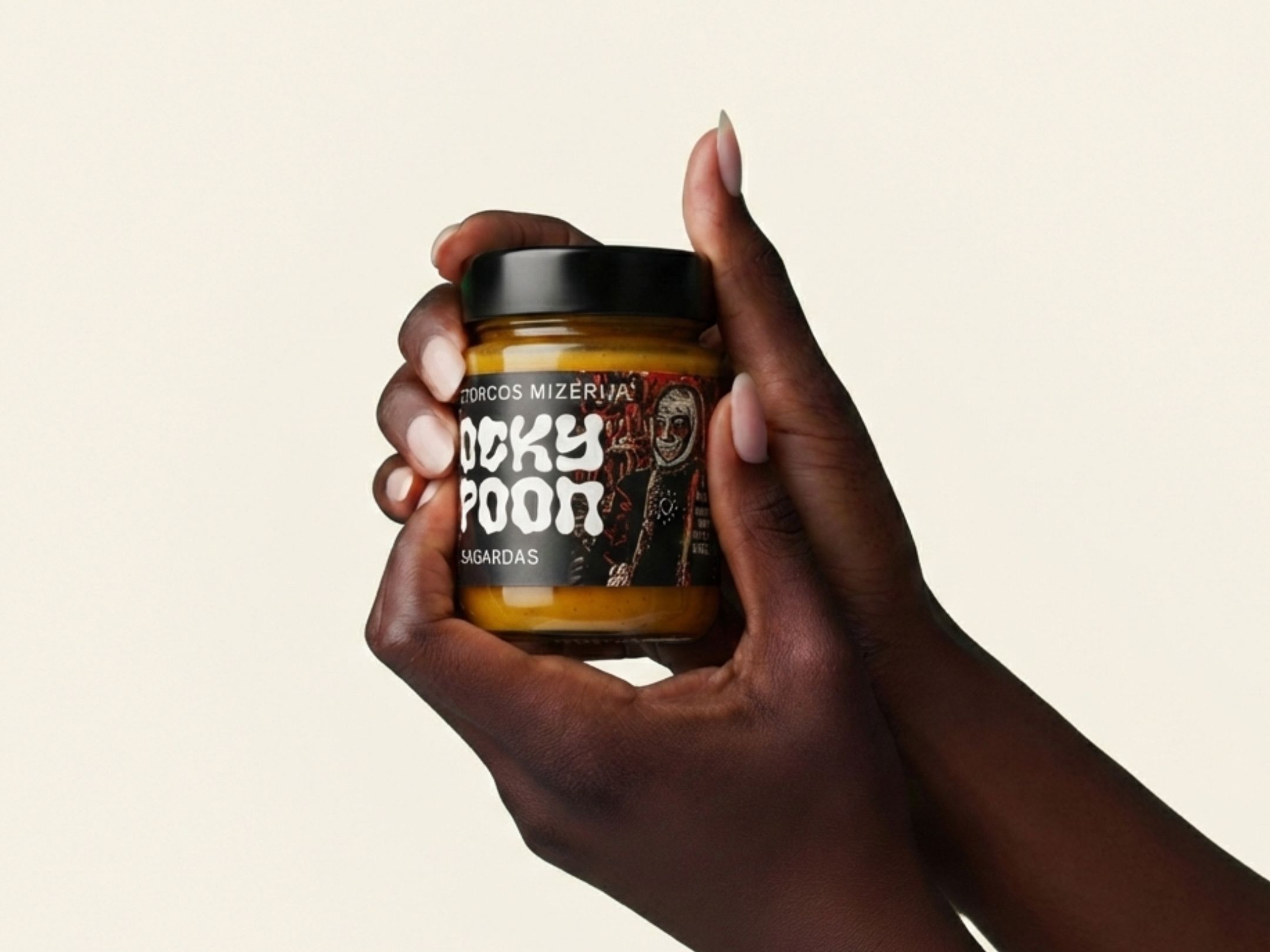
For food
A link to ingredients, origin, a recipe or storage instructions — everything that won't fit on small packaging. Food-safe materials and adhesives withstand moisture and cold, so the code stays readable even in the fridge.
Send us a link and your logo — we generate the QR code, lay out the sticker and send it to you for approval. You choose the size, material and quantity, and see the price straight away.
Estimated price—Calculating…
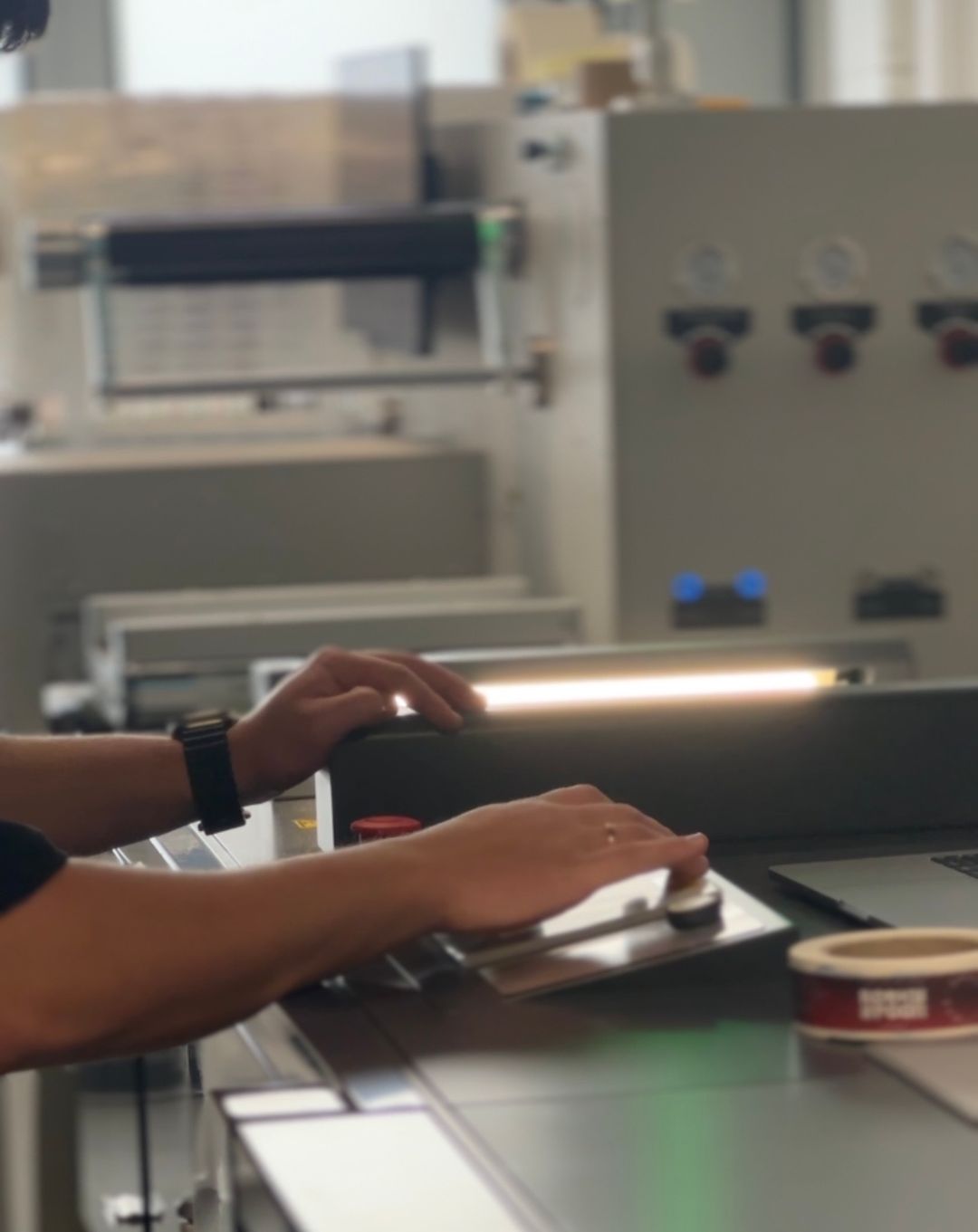
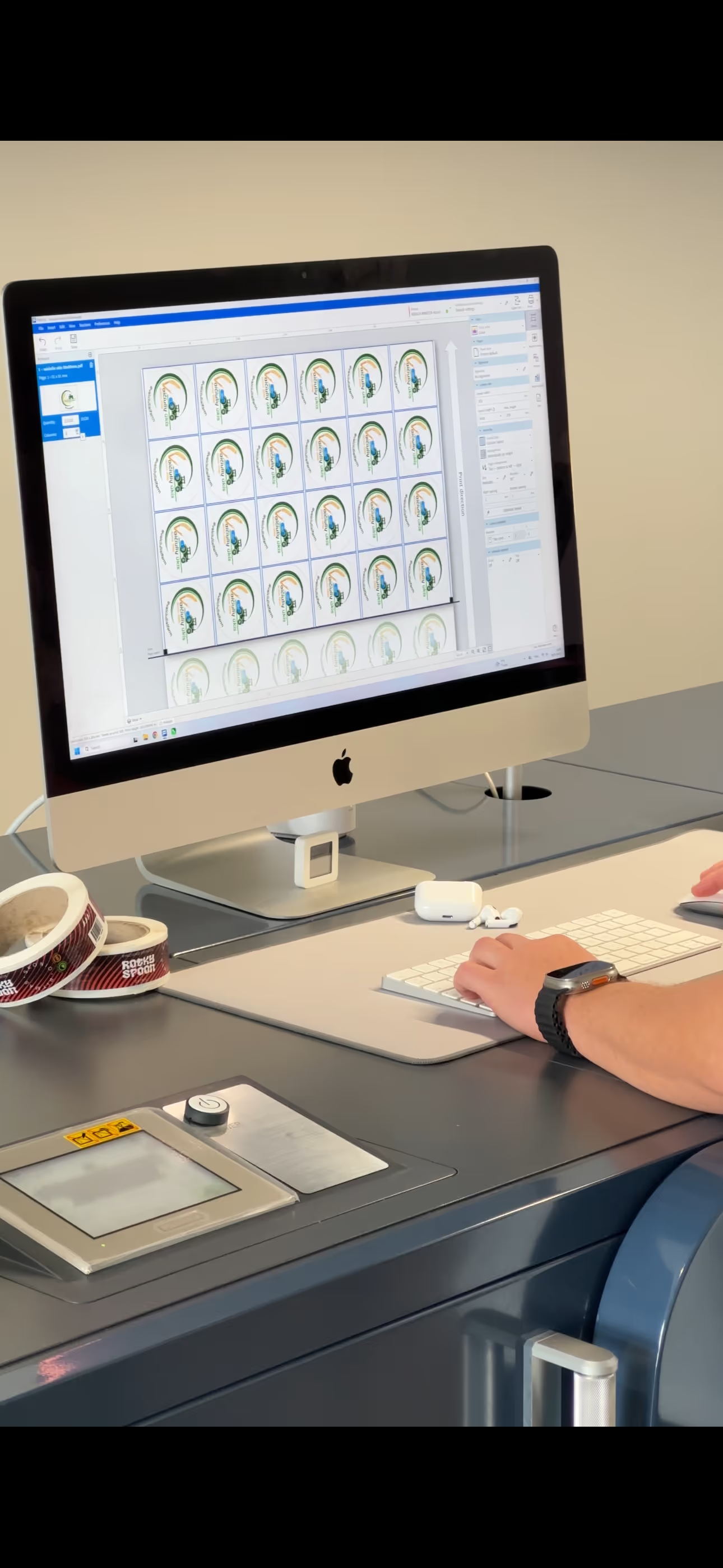
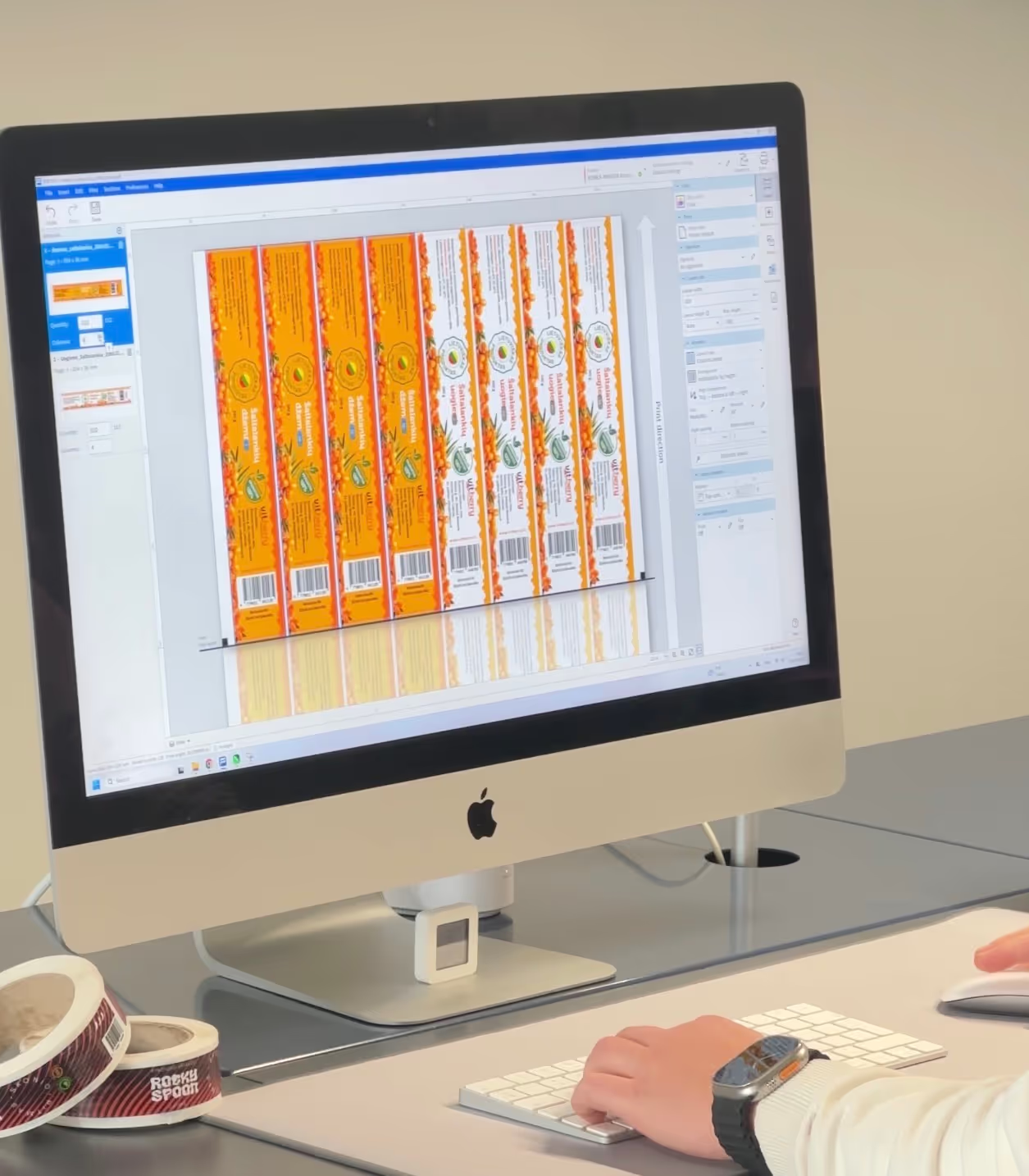
Real orders from our production. A QR code sticker is printed with the same digital press and on the same materials as these labels — the only difference is that we prepare the artwork.
You place the order right here, with no back-and-forth emails.
A code needs a well-defined outline, so we cut QR stickers in four standard shapes. The shape doesn't add to the price — digital cutting uses no cutting dies.
Choose the size based on how far away the code will be scanned from. A sticker on packaging the shopper holds in their hands can be smaller; for a sticker in a shop window or on a wall that people scan from a few steps away, go bigger — the bigger the code, the easier it is for a phone camera to pick up.
We always leave a quiet zone around the code and never cover it with text — that's already built into the artwork, so all you need to do is choose the shape and size. If you're unsure, tell us where the sticker will go and we'll suggest dimensions.
The roomiest shape for the code itself: in a square the code can be at its largest, with space underneath for a logo and a short call to action. The corners are rounded, so the sticker doesn't catch or bend with everyday handling.
A long sticker places the code and logo side by side — handy when there's only a narrow strip of space: on a bottle neck, the edge of a box or a shelf edge. You can also choose the same dimensions in landscape.
A round sticker has no corners that could lift and sits well on curved surfaces — jar lids, bottles, candle jars. The code stays in the middle with the logo beneath it.
The oval takes the same 1:2 dimensions as the rectangle. And if none of the suggested sizes fits, below the size chips there's an “Enter your own size” field — you set the width and height yourself, and the price updates instantly.
What matters most for a QR code is contrast and a calm surface: a dark code on a light background scans fastest. All five materials in the calculator work — the only difference is where we place the code in the artwork.
We finish every material with matte or gloss lamination. Matte lamination doesn't shine, so the code stays readable even in direct light; gloss deepens the colours and gives the print stronger protection against rubbing. Matte is the default choice in the calculator.
If you're not sure which material suits your packaging, order a sample — we'll print a few pieces you can touch and scan before ordering the full run.
A white background gives a dark code the highest contrast, which makes it the simplest and most reliable choice. The film resists moisture, cold and rubbing — it suits refrigerated products as well as packaging sent by post.
On glass or a clear jar, clear film is almost invisible — it looks as if the code were printed straight onto the packaging. What matters is a light surface beneath the code; on a dark background, choose printing with white ink in the calculator.
An eye-catching surface for events and limited editions. Because the shimmer changes with the viewing angle, we keep the code itself on a calm light area in the artwork and let the holographic effect play around it.
A metallic gold tone for gift and festive packaging. The mirror-like surface reflects light, so we print the code on a matte area and use the gold for a frame, logo or lettering.
Mirror-like silver for electronics, equipment and premium products. As with gold, the code stays on a matte area and the silver works around it.
The same finish that dresses up an ordinary sticker works on a QR sticker too — except that where the code sits, it's about readability rather than looks. Here's what each one gives you.
One sticker instead of a leaflet nobody keeps. The code leads to where the information lives and where you can update it — instructions, a menu, a review form or a sign-up.
A link to ingredients, origin, a recipe or storage instructions — everything that won't fit on small packaging. Food-safe materials and adhesives withstand moisture and cold, so the code stays readable even in the fridge.
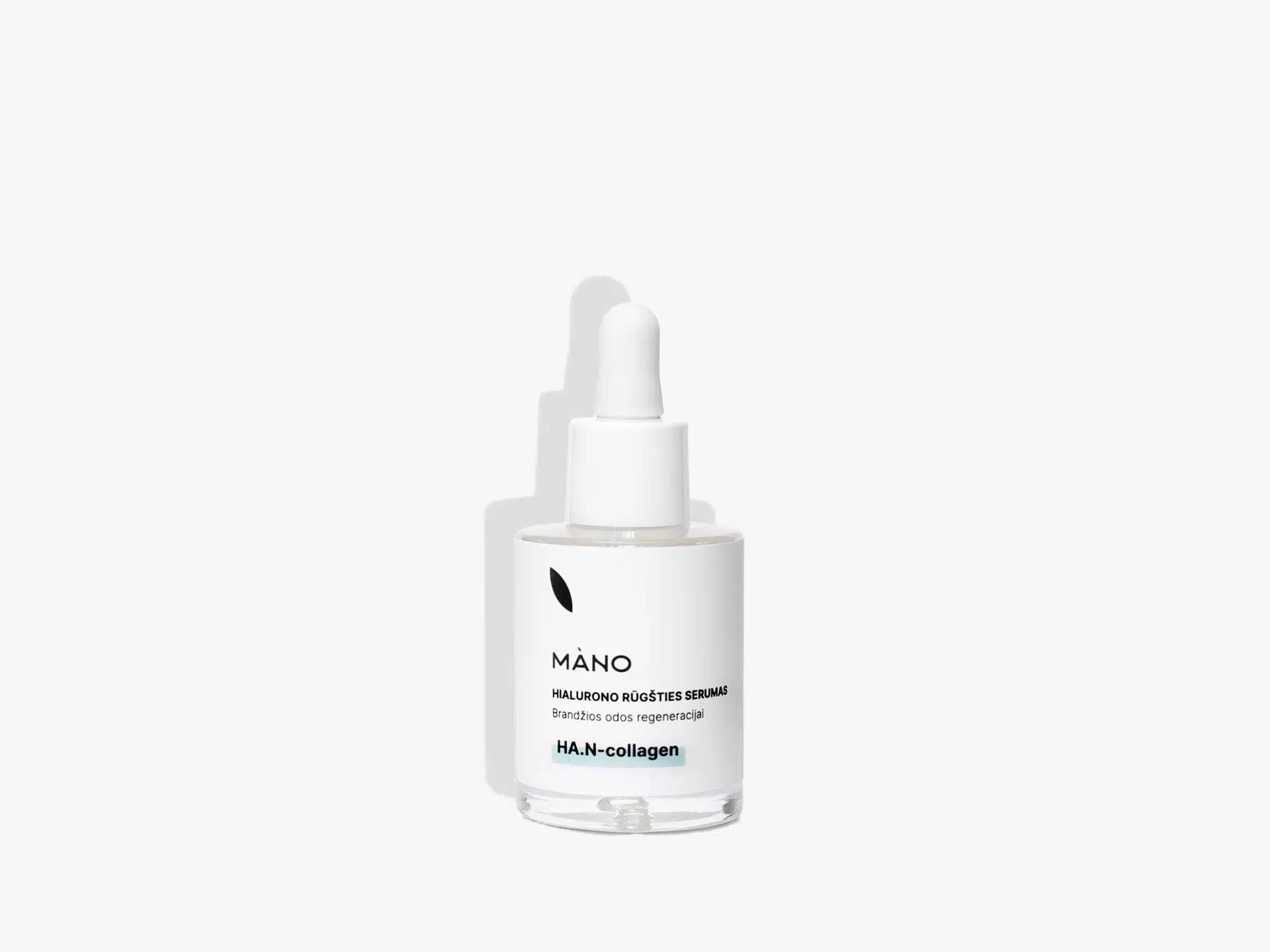
Instructions for use, the ingredient list or a video showing how to use the product. A film label doesn't get soggy in the bathroom or wear off with daily handling, and clear film makes the code look like part of the packaging.
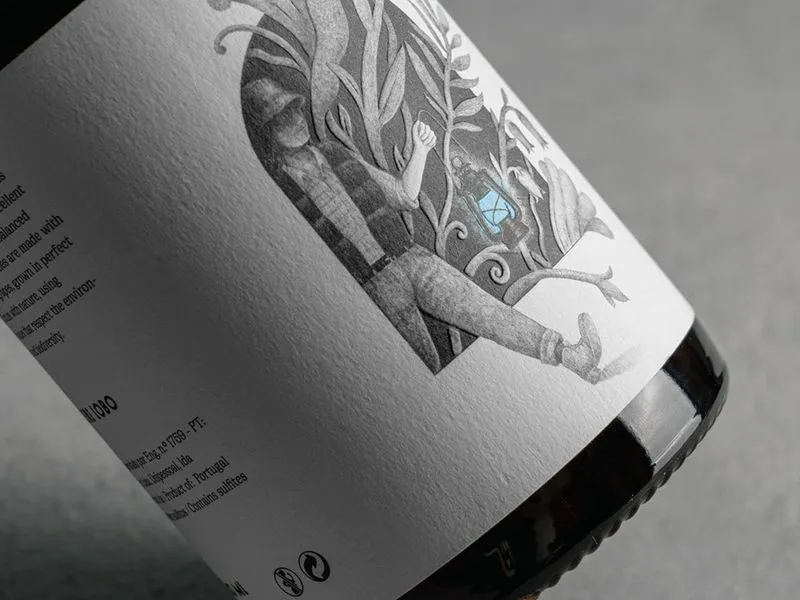
A link to tasting notes, the maker's story or a promotion. The material resists condensation and cold, so the code scans even from a bottle straight out of the fridge.

A personal greeting, a photo album or a playlist instead of a card. A foil or matte lamination accent turns plain packaging into a gift, and the code adds what you can't write on paper.
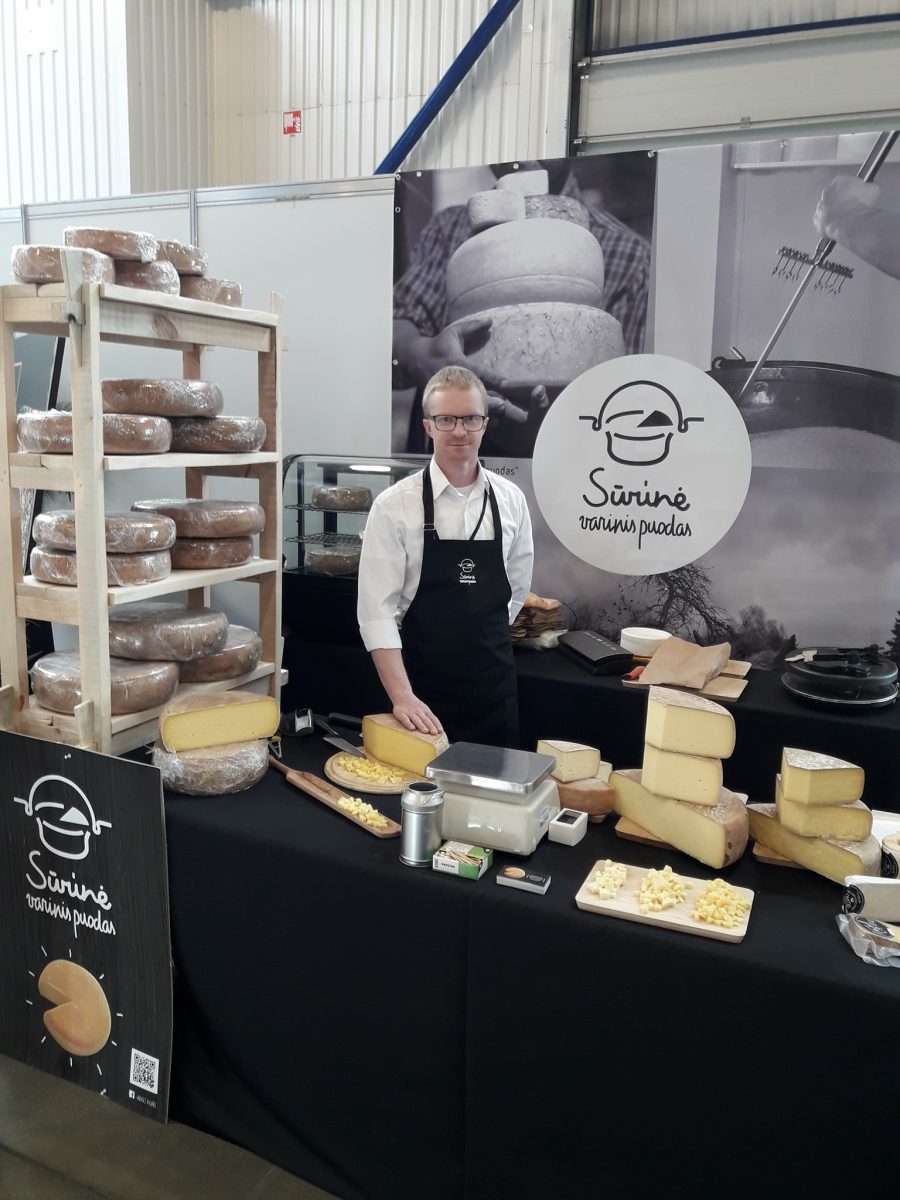
Registration, the programme, a venue map or a shared photo album — one sticker on an invitation, a card or a table instead of handouts. The run is small, so you order exactly as many as you need.

A review form, a price list, warranty registration or an equipment service history. For repeat runs we keep the approved artwork on file, so next time you only need to tell us the quantity.
A QR sticker costs the same as an ordinary sticker of the same kind — the price depends on size, material and quantity. A one-off layout fee for generating the QR code and preparing the artwork is added to the order; in the calculator it's already included in the total shown.
All prices in the table are indicative. You'll see the final price in the calculator, and we'll confirm it once we've reviewed your artwork.
If you've already put the QR code into your own design, order ordinary stickers — the same price and the same materials, just without the layout service.
Can't find the answer? Drop us a line — we usually reply the same working day.
Contact usThe link the code should open, and your logo. Nothing else — we generate the QR code and lay out the sticker. Both fields are in the order form, so you send everything at once, with no separate emails.
Ideally a vector SVG, AI, EPS or PDF: that keeps the logo sharp at any size. A PNG works too if it's large enough. If you only have a low-quality file, drop us a line — we'll tell you whether it will do.
Yes. We email you the finished artwork for approval, and you can also review and approve it in your account. We adjust it until you approve — we only start printing once you've approved it.
The one-off layout fee for generating the QR code and preparing the artwork is already included in the price shown in the calculator — there's nothing extra to pay. You'll see the exact amount in the order summary before payment.
To any link: a Google review form, a menu, Wi-Fi login, instructions for use, a registration form or a social media profile. You enter the link in the order form.
No — a printed code always leads to the same address. If the content is likely to change, use an address you control yourself (for example, a page on your website or a redirect): then you can change what's behind the link without reprinting the stickers.
It depends on the distance. For packaging the shopper holds in their hands, a smaller sticker is enough; for a shop window or a wall that people scan from a few steps away, go bigger. Recommended sizes are suggested for each shape, and you can enter your own size by hand.
We always place the code on a calm, light area and keep the shine or foil around it — a mirror-like surface reflects light and makes scanning harder. The most reliable combination is a dark code on white film with matte lamination.
You choose the quantity in the calculator, and the unit price drops as the run grows. If you need a very small quantity or, the other way round, several thousand, drop us a line — we'll sort it out.
Standard orders are made within 3 working days of artwork approval, and delivery takes another 1–2 working days. For urgent orders we can agree the timing separately.
Yes. We print on film materials and laminate them, so the sticker resists moisture, cold and everyday rubbing — it suits the fridge as well as packaging sent by post.
Yes — then it's an ordinary sticker order: you choose the shape, size and material and upload the print file, and no layout fee is charged. The price and materials are the same.
You can place the order in a few minutes. If you have questions about size or material, drop us a line — we'll advise.